5 Signs Your Business Website is Outdated (and Losing Customers)
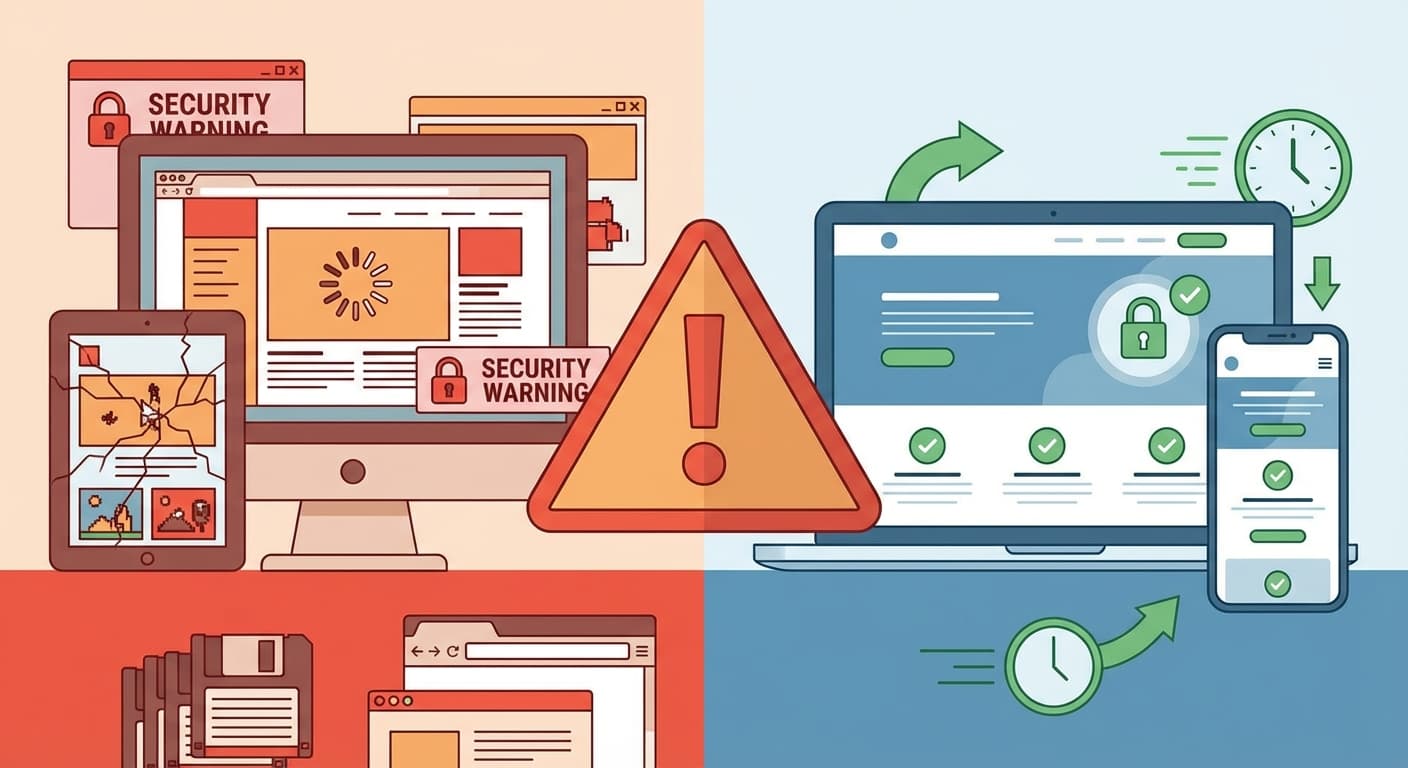
Your website is your digital storefront, working 24/7 to attract and convert customers. But what if it's actually driving them away? In 2026, an outdated website doesn't just look bad—it actively loses you money.
Your website is your digital storefront, working 24/7 to attract and convert customers. But what if it's actually driving them away? In 2026, an outdated website doesn't just look bad—it actively loses you money. Studies show that 38% of visitors will stop engaging with a website if the content or layout is unattractive, while 88% of online consumers are less likely to return to a site after a bad experience. Even more alarming: 75% of consumers admit to making judgments about a company's credibility based solely on their website design.
The cost of an outdated website extends far beyond aesthetics. Every day your site remains stuck in the past, you're hemorrhaging potential customers to competitors with modern, fast, mobile-optimized experiences. This comprehensive guide identifies the five critical warning signs that your business website is outdated, explains exactly how each issue impacts your bottom line, and provides actionable solutions to reclaim lost revenue.
Sign 1: Your Website is Not Mobile-Responsive
The Problem: Mobile Users are Leaving Immediately
If your website requires pinching, zooming, or horizontal scrolling on smartphones, you have a critical problem. In 2026, mobile devices account for over 60% of all web traffic globally, and in markets like India, that number exceeds 75%. Google implemented mobile-first indexing years ago, meaning the search engine now primarily uses the mobile version of your site for ranking and indexing.
The brutal statistics speak for themselves:
- 61% of users are unlikely to return to a mobile site they had trouble accessing, and 40% will visit a competitor's site instead.
- 53% of mobile users abandon websites that take longer than 3 seconds to load.
- Google penalizes non-mobile-friendly sites in search rankings, making you virtually invisible to mobile searchers.
- Conversion rates on mobile devices are 3x lower on non-responsive sites compared to optimized responsive designs.
Real-World Impact: Lost Revenue
Consider a small business website receiving 10,000 monthly visits, with 70% (7,000) coming from mobile devices. If your non-responsive site has a 70% mobile bounce rate (users leaving immediately) compared to an optimized 40% bounce rate, you're losing 2,100 potential customers monthly—25,200 annually. If just 5% of those lost visitors would have converted at an average order value of ₹2,000, you're bleeding ₹25,20,000 in annual revenue.
The Solution: Responsive Web Design
Modern responsive design ensures your website automatically adapts to any screen size—smartphones, tablets, laptops, and desktops. This isn't a 'nice to have' feature anymore; it's the minimum standard for business websites in 2026.
- Implement a mobile-first design approach using flexible grid layouts and CSS media queries.
- Optimize touch targets for fingers instead of mouse cursors (minimum 48x48 pixels for buttons).
- Simplify navigation for smaller screens with hamburger menus and streamlined content hierarchy.
- Test your site across multiple devices using tools like Google's Mobile-Friendly Test, BrowserStack, or real device testing.
- Consider Progressive Web App (PWA) technology for app-like experiences without requiring installation.
Sign 2: Your Website Takes Forever to Load
The Problem: Every Second Costs Conversions
Page speed isn't just about user frustration—it's a direct revenue factor. Google research proves that as page load time increases from 1 to 10 seconds, the probability of a mobile user bouncing increases by 123%. Amazon calculated that every 100ms delay costs them 1% in sales. For a company generating billions annually, milliseconds matter—and they matter for your business too.
The performance crisis affecting older websites:
- 47% of consumers expect a web page to load in 2 seconds or less.
- 40% will abandon a website that takes more than 3 seconds to load.
- A 1-second delay in page response can result in a 7% reduction in conversions.
- Pages that load in 2 seconds have an average bounce rate of 9%, while pages loading in 5 seconds see bounce rates jump to 38%.
- Google uses Core Web Vitals (LCP, FID, CLS) as ranking factors—slow sites rank lower, receive less organic traffic, and lose visibility.
Common Culprits of Slow Websites
- Unoptimized Images: Large, uncompressed images are the #1 performance killer. A single 5MB hero image can delay page rendering by seconds.
- Bloated Code: Outdated websites accumulate legacy code, unused plugins, and inefficient JavaScript that slows everything down.
- Poor Hosting: Cheap shared hosting with limited resources struggles under traffic, causing slow server response times.
- Excessive HTTP Requests: Every external resource (fonts, scripts, stylesheets, analytics) requires a separate request, creating bottlenecks.
- No Caching: Without browser or server caching, users download the same resources repeatedly instead of loading them from memory.
The Solution: Comprehensive Speed Optimization
- Image Optimization: Compress images using tools like TinyPNG or ShortPixel. Convert to modern formats (WebP, AVIF) that offer superior compression. Implement lazy loading so images only load when scrolled into view.
- Code Minification: Remove unnecessary characters, comments, and whitespace from HTML, CSS, and JavaScript files.
- Content Delivery Network (CDN): Distribute your content across global servers so users load from the closest geographic location (Cloudflare, AWS CloudFront).
- Upgrade Hosting: Move from shared hosting to VPS, cloud hosting, or dedicated servers that provide guaranteed resources.
- Enable Caching: Implement browser caching and server-side caching to store static resources locally.
- Reduce Server Response Time: Optimize database queries, upgrade to faster database servers, and implement server-side rendering where appropriate.
- Eliminate Render-Blocking Resources: Load critical CSS inline and defer non-essential JavaScript.
Target Benchmarks for 2026: Aim for Largest Contentful Paint (LCP) under 2.5 seconds, First Input Delay (FID) under 100ms, and Cumulative Layout Shift (CLS) under 0.1. Use Google PageSpeed Insights, GTmetrix, or WebPageTest to measure and track improvements.
Sign 3: Your Design Looks Like It's From 2015
The Problem: Visual Design Impacts Credibility
Users form opinions about your website—and by extension, your business—within 0.05 seconds. That's 50 milliseconds. An outdated design immediately communicates that your business is behind the times, raising questions about whether your products, services, and business practices are similarly outdated.
Visual red flags that scream 'outdated website':
- Cluttered Layouts: Multiple sidebars, busy backgrounds, excessive widgets, and information overload. Modern design embraces whitespace and focused content.
- Flash Elements or Auto-Playing Media: Flash is dead (officially discontinued in 2020). Auto-playing videos and music annoy users and hurt SEO.
- Generic Stock Photos: Cheesy handshake photos and corporate stock imagery from the early 2000s destroy authenticity.
- Outdated Typography: Arial and Times New Roman everywhere. Modern websites use web fonts (Google Fonts, Adobe Fonts) for personality and readability.
- Poor Color Schemes: Harsh colors, low contrast, or trendy colors from past decades (remember the Web 2.0 glossy buttons and gradients?).
- No Visual Hierarchy: Everything looks equally important, making nothing important. Users can't find key information or calls-to-action.
- Broken or Missing Images: Nothing says 'unmaintained website' like broken image icons.
2026 Design Trends
- Minimalism and Clean Layouts: Generous whitespace, focused content, clear visual hierarchy.
- Bold Typography: Large, readable fonts that make statements and guide users through content.
- Micro-Interactions: Subtle animations on hover, scroll, and click that make interfaces feel alive and responsive.
- Dark Mode Options: User-controlled dark themes that reduce eye strain and look sophisticated.
- Authentic Photography: Real photos of your team, products, and customers instead of generic stock images.
- Custom Illustrations and Graphics: Unique visual elements that differentiate your brand.
- Accessibility-First Design: Proper color contrast (WCAG 2.1 AA standards), keyboard navigation, screen reader compatibility.
The Solution: Modern UI/UX Redesign
A comprehensive redesign isn't just about aesthetics—it's about optimizing the entire user journey for conversions:
- User Research: Analyze user behavior with heatmaps (Hotjar, Crazy Egg), session recordings, and analytics to understand how visitors actually use your site.
- Information Architecture: Reorganize content logically. Essential information should be accessible within 3 clicks.
- Clear Calls-to-Action: Every page should guide users toward a specific action. Use contrasting colors, strategic placement, and action-oriented language.
- F-Pattern and Z-Pattern Layouts: Design according to natural eye-scanning patterns for better information absorption.
- Consistent Branding: Maintain color schemes, typography, and design elements across all pages for professional cohesion.
- Trust Signals: Display testimonials, certifications, awards, security badges, and customer logos prominently.
Sign 4: You're Invisible in Google Search
The Problem: SEO Has Evolved, Your Site Hasn't
Search engine optimization in 2026 is dramatically different from even five years ago. Google's algorithms have become exponentially more sophisticated with AI-powered ranking (RankBrain, BERT, MUM), Core Web Vitals as direct ranking factors, and E-E-A-T (Experience, Expertise, Authoritativeness, Trustworthiness) evaluation of content quality.
If your website was built before 2020 and hasn't been significantly updated, you're likely suffering from:
- Missing or Poorly Optimized Metadata: Empty title tags, duplicate meta descriptions, or keyword-stuffed metadata that triggers Google penalties.
- Non-Semantic HTML: Outdated websites use tables for layout and excessive div tags instead of proper HTML5 semantic elements (header, nav, article, section, footer).
- No Schema Markup: Missing structured data means Google can't display rich snippets (star ratings, FAQs, breadcrumbs) that increase click-through rates.
- Broken Internal Links: Dead links and 404 errors hurt both user experience and search rankings.
- Slow Site Speed: As discussed earlier, Core Web Vitals directly impact rankings.
- Not HTTPS Secure: Google has penalized non-HTTPS sites since 2014. In 2026, lacking SSL is a death sentence for rankings.
- Thin or Duplicate Content: Old sites often have minimal content, keyword stuffing, or duplicate pages that Google filters out.
The Ranking Drop Effect
Organic search drives 53% of all website traffic. If your site ranks on page 2 of Google, you're essentially invisible—92% of users never go beyond the first page. The first organic result gets 31.7% of clicks, while the tenth result gets just 2.4%. Dropping from position 3 to position 8 can cut your organic traffic by 70%.
The Solution: Comprehensive SEO Overhaul
- Technical SEO Audit: Use tools like Screaming Frog, Ahrefs, or SEMrush to identify broken links, duplicate content, missing metadata, and crawl errors.
- Optimize On-Page Elements: Write unique, compelling title tags (50-60 characters) and meta descriptions (150-160 characters) for every page. Use H1, H2, H3 tags properly with relevant keywords.
- Implement Schema Markup: Add JSON-LD structured data for your business type, products, services, reviews, and FAQs.
- Content Refresh: Update old blog posts with current information, expand thin content to comprehensive guides (1,500+ words), and remove or consolidate low-value pages.
- Mobile SEO: Ensure mobile-friendliness (Google's mobile-first index), optimize for voice search, and improve local SEO for mobile users.
- Build Quality Backlinks: Earn links from authoritative sites in your industry through guest posting, digital PR, and creating linkable assets.
- XML Sitemap and Robots.txt: Generate an XML sitemap and submit to Google Search Console. Optimize robots.txt to guide crawlers.
- Page Speed Optimization: Achieve good Core Web Vitals scores for ranking benefits.
- Regular Content Updates: Google favors fresh, regularly updated websites. Maintain a blog or news section with new content monthly.
Sign 5: Your Website Has Security Vulnerabilities
The Problem: Outdated = Insecure
Security isn't flashy, but it's critical. Older websites often run outdated software, plugins, and frameworks with known vulnerabilities that hackers actively exploit. The consequences of a security breach extend far beyond technical problems—they destroy customer trust, damage your reputation, and can result in legal liability.
Warning signs your site is vulnerable:
- No SSL Certificate (HTTP instead of HTTPS): Your site displays 'Not Secure' warnings in browsers, immediately destroying credibility. Data transmitted between users and your server is unencrypted and easily intercepted.
- Outdated CMS and Plugins: WordPress, Joomla, and Drupal sites running old versions have known security holes. The 2023 WPScan Vulnerability Database listed over 10,000 WordPress vulnerabilities.
- No Security Headers: Missing HTTP security headers (Content-Security-Policy, X-Frame-Options, X-XSS-Protection) leave your site open to cross-site scripting and clickjacking attacks.
- SQL Injection Vulnerabilities: Outdated forms and search functions may not sanitize inputs properly, allowing hackers to manipulate your database.
- Weak Password Policies: No two-factor authentication, unlimited login attempts, and weak password requirements make brute-force attacks easy.
- No Regular Backups: When (not if) something goes wrong, lack of backups means permanent data loss.
The Cost of Security Breaches
The average cost of a data breach in 2023 was $4.45 million globally. For small businesses, a single breach can be fatal—60% of small companies go out of business within six months of a cyber attack. Beyond financial costs:
- Customer Trust: 65% of data breach victims lose trust in an organization's ability to protect their information.
- Legal Liability: GDPR violations can result in fines up to €20 million or 4% of annual global turnover, whichever is higher.
- Google Blacklisting: If Google detects malware on your site, it will display warnings to users and remove you from search results until the issue is resolved.
- Downtime: Recovering from an attack can take days or weeks, during which your site is offline and generating zero revenue.
The Solution: Security Hardening
- Install SSL Certificate: Implement HTTPS with SSL/TLS encryption. Free certificates are available through Let's Encrypt; premium options provide validation and warranty.
- Keep Everything Updated: Regularly update your CMS, themes, plugins, and server software. Enable automatic security updates where possible.
- Implement Web Application Firewall (WAF): Solutions like Cloudflare, Sucuri, or Wordfence block malicious traffic before it reaches your server.
- Strong Authentication: Require complex passwords, implement two-factor authentication (2FA), and limit login attempts to prevent brute-force attacks.
- Regular Security Audits: Perform penetration testing and vulnerability scans quarterly. Tools like Acunetix, OWASP ZAP, or professional security firms can identify weaknesses.
- Automated Backups: Schedule daily or weekly backups stored in multiple locations (local and cloud). Test restoration procedures regularly.
- Security Headers: Implement Content-Security-Policy, X-Frame-Options, and other HTTP security headers.
- Input Validation: Sanitize all user inputs to prevent SQL injection, cross-site scripting (XSS), and other injection attacks.
- Monitor and Respond: Set up security monitoring to detect suspicious activity. Have an incident response plan ready.
The True Cost of Keeping an Outdated Website
Every day you delay modernizing your website, you pay a compound price:
- Lost Revenue: 57% of internet users won't recommend a business with a poorly designed mobile website. You're losing both first-time and repeat customers.
- Competitive Disadvantage: While you're stuck in the past, competitors with modern websites are capturing your market share.
- Declining Search Rankings: Google continuously updates algorithms to favor modern, fast, secure websites. Old sites drop further down rankings every month.
- Brand Damage: Your website represents your brand. An outdated site communicates that your business is outdated, unreliable, or not worth taking seriously.
- Increased Maintenance Costs: Old technologies become harder and more expensive to maintain as developers move to modern frameworks. Security patches become rare or non-existent.
- Employee Frustration: If your website includes backend systems (CMS, inventory, customer management), outdated interfaces frustrate employees and reduce productivity.
Consider this scenario: A mid-sized business with an outdated website receives 50,000 monthly visits. Due to poor mobile optimization, slow speed, and outdated design, their conversion rate is 0.5% (250 conversions monthly). Industry average for modern, optimized sites is 2.35% (1,175 conversions). That's 925 lost conversions monthly—11,100 annually. At an average transaction value of ₹5,000, the outdated website costs ₹5,55,00,000 in lost annual revenue.
Taking Action: Your Website Modernization Roadmap
Step 1: Audit Your Current Site
Before making changes, understand exactly where you stand:
- Run Google PageSpeed Insights on your key pages
- Test mobile-friendliness with Google's Mobile-Friendly Test
- Check security with Qualys SSL Labs and security scanners
- Analyze SEO with Ahrefs, SEMrush, or Moz
- Review analytics to identify high-exit pages and conversion bottlenecks
- Conduct user testing—ask real customers to navigate your site and note frustrations
Step 2: Prioritize Fixes by Impact
Not all issues are equally urgent. Prioritize based on business impact:
- Critical (Do Immediately): SSL certificate, major security vulnerabilities, broken checkout or contact forms, complete mobile incompatibility.
- High Priority (Within 30 Days): Speed optimization, mobile responsiveness improvements, primary navigation fixes, homepage redesign.
- Medium Priority (Within 90 Days): SEO optimization, content updates, visual redesign of secondary pages, adding missing features.
- Lower Priority (Ongoing): Advanced features, nice-to-have improvements, experimentation with new technologies.
Step 3: Decide: Update or Rebuild?
Sometimes incremental updates suffice. Other times, starting fresh is more cost-effective:
Update Your Existing Site When:
- The underlying structure and content organization is solid
- You're using a modern CMS (WordPress, Shopify, etc.) that just needs theme updates
- Budget constraints require a phased approach
- The core design is acceptable with minor visual improvements needed
Rebuild from Scratch When:
- The site is built on obsolete technology (Flash, outdated CMS, deprecated frameworks)
- Multiple critical issues exist across design, speed, security, and SEO
- The content structure and user journey need fundamental reorganization
- You're rebranding or significantly pivoting your business model
- Long-term ROI analysis shows rebuild costs less than continuous patching
Step 4: Work with Professionals
While DIY website builders exist, businesses with growth ambitions benefit from professional development:
- Expertise: Professional developers understand modern best practices, SEO, security, and performance optimization.
- Custom Solutions: Off-the-shelf templates can't accommodate unique business requirements or provide competitive differentiation.
- Time Efficiency: Attempting to redesign your site while running your business leads to months of delays. Professionals deliver faster.
- Support and Maintenance: Agencies provide ongoing support, updates, and troubleshooting rather than leaving you to figure it out alone.
- Strategic Guidance: Good agencies don't just code—they consult on strategy, user experience, and digital marketing integration.
Conclusion: Your Website is an Investment, Not an Expense
An outdated website isn't a minor annoyance—it's a fundamental threat to your business growth. Every hour it remains unchanged, you're losing customers to competitors with faster, more secure, better-designed experiences. The five warning signs discussed in this guide—lack of mobile responsiveness, slow loading speed, outdated design, poor SEO, and security vulnerabilities—compound to create a customer experience that actively repels potential buyers.
The good news? Modernizing your website delivers measurable ROI. Businesses that invest in professional website redesigns typically see:
- 20-200% increases in conversion rates
- 50-150% improvements in organic search traffic
- 30-50% reductions in bounce rates
- 3-5x returns on investment within the first year
Your website isn't just a digital brochure—it's your most powerful sales tool, working around the clock to attract, engage, and convert customers. Treat it as the strategic asset it is. Invest in modernization now, or watch your competition capture the market share that should be yours.
At NovaEdge Digital Labs, we specialize in transforming outdated websites into high-performing digital experiences that drive measurable business growth. Our comprehensive approach addresses design, speed, SEO, security, and user experience to maximize conversions and ROI. Contact us for a free website audit and discover exactly how much revenue your current site is costing you—and what we can do about it.